

Introduction: The Hypnotic Drive
Imagine waking up in a world where your laptop gets smashed by a falling book, your phone takes a swim in the toilet, and your hard drive gives up the ghost—all in the same week. For a lot of us, that isn’t a nightmare; it’s just Tuesday.
But here is the weird part: You don’t panic. Why? Because your photos, tax documents, and that novel you’re working on aren’t actually on those devices. They are floating through the atmosphere, waiting for you to call them back.
That phenomenon is what is cloud storage. But if you think it’s just a giant hard drive in the sky hosted by a big corporation, you’re missing the magic. Below the surface lies one of the most brilliant architectures of modern engineering—one that sacrifices physical location for resilience, speed for ubiquity, and ownership for ease. Let’s pop the hood.

The Core: It Isn’t a Server; It’s a Sea of Servers
Most people think of “the cloud” as one specific server. It’s not.
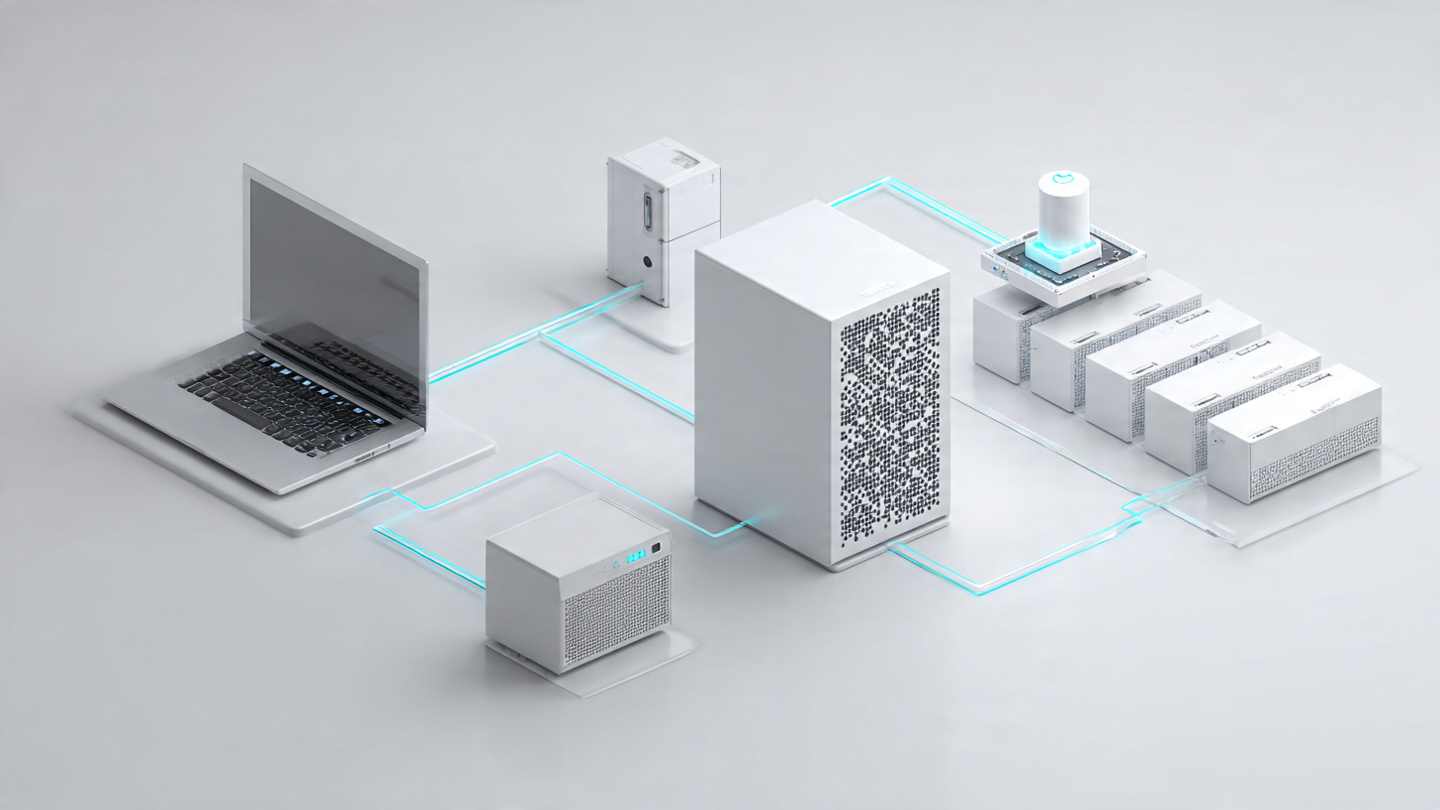
What is cloud storage technically? It is a distributed computing model that uses virtualization to abstract physical storage resources into a logical pool. Instead of writing data to a single drive in a single computer, providers like AWS, Microsoft, or Google spread your data across thousands of servers located in different geographic zones known as data centers.
When you upload a photo to Google Drive, a copy might land in a data center in Iowa, another copy in Belgium, and a third in Singapore. These providers use massive clusters of commodity hardware to create a “hyper-scale” environment, allowing them to offer you almost unlimited capacity on demand.
Block, File, and Object: The Three Faces of Data
To truly understand what is cloud storage, you have to appreciate that not all storage is created equal. Depending on what you are doing—watching a movie, editing a spreadsheet, or backing up a database—the cloud changes its shape. There are three primary models:
1. File Storage (The Digital Filing Cabinet)
This is the easiest to understand. File storage presents a hierarchical tree—folders inside folders. It uses protocols like NFS or SMB. This is perfect for shared documents and collaborative drives where a human needs to navigate a path like HR > Q4 Reports > Final Budget.xlsx.
2. Block Storage (The Speed Demon)
If you are running a database or a high-performance virtual machine, you don’t want to search through folders. You want raw speed. Block storage chops files into fixed-size pieces called “blocks.” Each block gets its own address but no metadata (folder structure). This allows the system to retrieve the blocks instantly from different drives simultaneously, slashing latency.
3. Object Storage (The 400-Pound Gorilla)
This is where modern cloud giants like Amazon S3 live. Object storage flattens the hierarchy. There are no folders. Instead, every file (photo, video, log file) is a discrete “object” with a unique ID and rich metadata. It is not as fast as block storage, but it is virtually infinitely scalable. This is how Netflix stores its entire library and how you back up your phone photos.
Cloud vs. Local Storage: The Quiet Trade-Off
You might be wondering, “Why don’t I just buy a 10TB external hard drive?” You absolutely can. But you need to understand the trade-offs.
| Feature | Local Storage (External Drive) | Cloud Storage |
|---|---|---|
| Accessibility | Slow; you need the drive physically plugged in (or a complex VPN) | Instant; accessible from any device with an internet connection globally |
| Durability | Fragile; one drop, one magnet, or one coffee spill and data is gone | Redundant; data is often replicated across 3+ geographic zones |
| Upfront Cost | Low (One-time purchase of hardware) | Low to Zero (Subscription based or freemium models) |
| Long-term Cost | Cheaper for massive, static archives | Recurring fees that scale with usage |
| Speed | Fast (USB-C / Thunderbolt local speeds) | Dependent on internet bandwidth; can lag at peak times |
While local storage is often cheaper for massive amounts of stationary data, cloud storage offers the “always on” magic we rely on.
In 2025, the global cloud storage market was estimated at roughly 145Billion,anditisexpectedtonearlytripleto425 Billion by 2030. That explosion indicates a massive shift—not just for tech companies, but for how you and I treat memory, ownership, and access.
The Cold Reality: Where Does the “Cloud” Live?
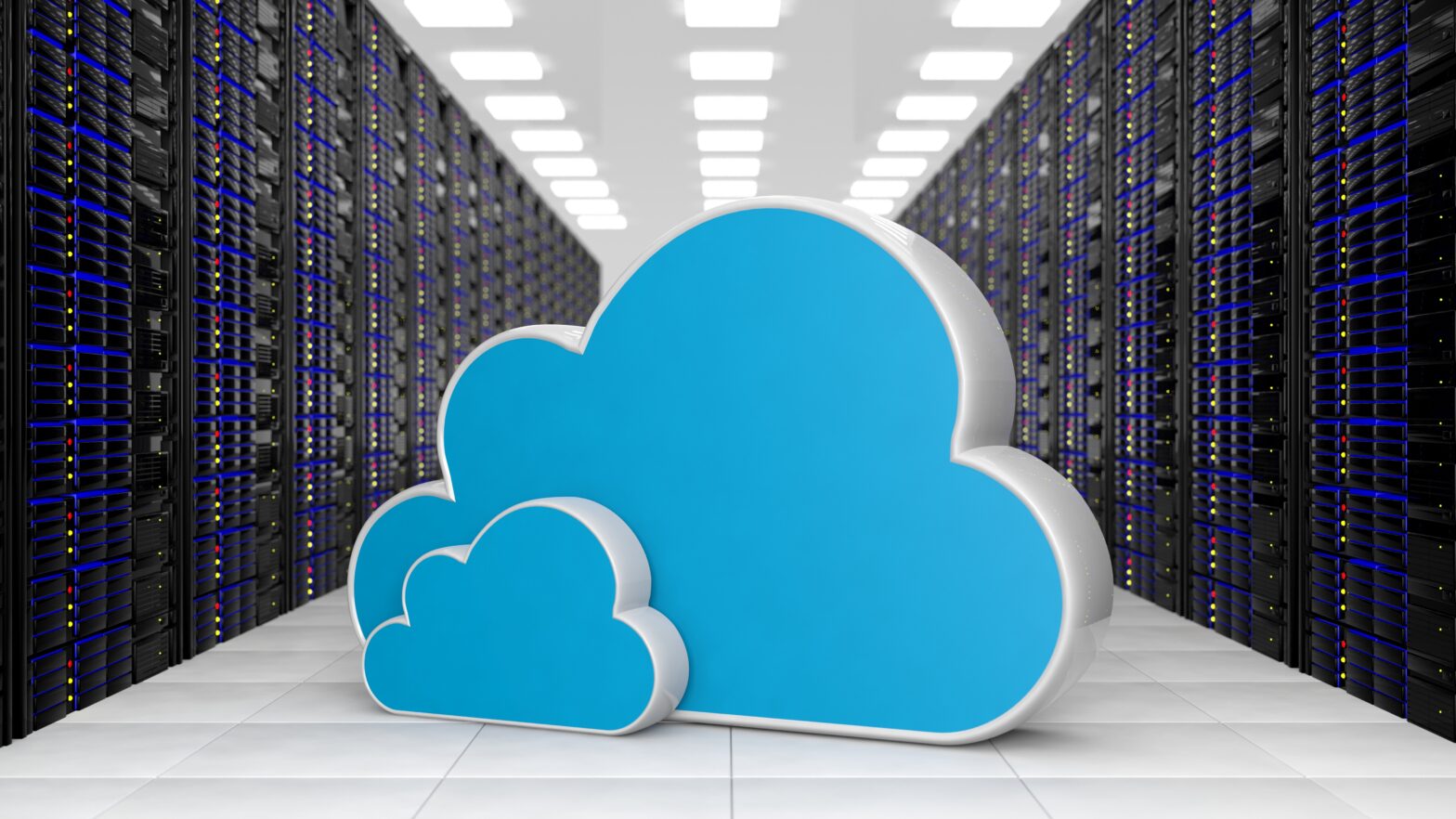
While we use ethereal metaphors (cloud, sky, air), the reality is deeply physical.
What is cloud storage in a physical sense? It is the massive data centers sprawling across the plains of Northern Virginia, the deserts of Arizona, or the fjords of Norway.
These buildings hum with the sound of millions of spinning disks. They are cooled by complex water systems and powered by enough electricity to run a small city. However, the real engineering is a concept called Erasure Coding.
Instead of keeping a simple photocopy of your file (which wastes space), the cloud provider chops your data into pieces, adds mathematical “parity” fragments, and scatters them across 15 or 20 different drives. If five of those drives blow up simultaneously, the software can mathematically reconstruct your file from the remaining pieces. This is how the cloud promises “eleven nines” of durability (99.999999999% of data kept safe).
Trust in Cryptography: Is the Cloud Safe?
The most common question after “what is cloud storage” is “is it safe?”
The answer is nuanced. Reputable providers use military-grade encryption. For example, best practices today require TLS 1.3 for data in transit (moving from you to them) and AES-256 for data at rest (sitting on their servers). Large providers like Google have started moving toward “cryptographic shredding”—where instead of overwriting data to delete it, they simply destroy the encryption keys, making the data instantly unreadable.
But here is the secret no provider advertises loudly: They protect the data from outsiders, but you need to protect it from yourself.
Most security breaches happen because a user gave away their password or skipped two-factor authentication (2FA). In the shared responsibility model, the cloud provider keeps the building locked, but you hold the key to your specific filing cabinet.
The 2026 Frontier: AI Meets the Dumb Drive
The biggest shift happening right now is the injection of AI. For years, the cloud was a dumb bucket; you put stuff in, you took stuff out.
In 2026, that is changing radically. What is cloud storage becoming? A brain.
- Google Drive has integrated Gemini to the point where storage tiers are bundled with AI Pro subscriptions. AI now automatically generates metadata for your images, classifies receipts, and even suggests file summaries.
- Microsoft OneDrive is evolving into a “productivity hub.” With Copilot, it will soon predict files you need ahead of meetings (semantic retrieval) and use OCR to read text inside your PDFs and images so you can search for them even if they were never labeled.
- Dropbox has embedded itself into ChatGPT, allowing AI agents to directly query your stored files without you having to dig through folders manually.
The cloud is no longer about where you save data, but about how the data serves you.
Practical Best Practices for 2026
Understanding what is cloud storage is useless if you don’t know how to manage it. Here are the three habits that keep your digital life clean:
- The 3-2-1 Backup Rule: Keep 3 copies of your data, on 2 different media, with 1 copy off-site (the cloud counts as the off-site). A backup of your laptop to OneDrive, plus a backup of OneDrive to an external drive, is ideal.
- Use Client-Side Encryption for Sensitive Data: For tax returns or legal docs, encrypt them before they go up. Tools like Cryptomator or Boxcryptor create a vault that even the provider can’t see inside.
- Don’t Pay for “Cold” Hoarding: Cloud storage is expensive for data you never touch. Use external hard drives or archival Blu-Rays for that 2012 season of “The Office.”
Conclusion: The Invisible Hand
The quiet revolution of the last decade is that we stopped thinking about what is cloud storage because it just works. It has become the invisible hand holding our memories, our work, and our lives.
The cloud erased the boundary of the device. Your phone is no longer your lockbox; it is just a window into a much larger warehouse.
As AI integration deepens in 2026, we are moving from a world where we manage files to a world where files manage themselves. Whether that is thrilling or terrifying depends on how much you trust the sky.
FAQs
1. Is my data safe if the cloud company goes bankrupt?
Generally, yes for consumer data in the short term. Reputable providers have escrow and data retrieval policies. However, for business critical data, you should always keep a local backup. Relying on a single entity is never safe.
2. Does cloud storage work offline?
Most services (Google Drive, OneDrive, Dropbox) offer offline access for specific files you mark. You can view and edit them without WiFi, and the changes sync automatically the moment you reconnect.
3. Why do I have to pay monthly instead of a one-time fee?
You are paying for maintenance, electricity, security personnel, real estate, and network bandwidth. Unlike a USB stick that you maintain yourself, the provider handles 100% of the physical management.
4. What happens to my photos if I stop paying?
Most providers have a “grace period” (usually 30 to 90 days). After that, the data is queued for permanent deletion. Since the provider uses erasure coding, they cannot just “hold” your file without paying for the server space, so they eventually purge it.
5. Can hackers wipe my cloud storage?
If they get your password and you don’t use 2FA, yes. If you use a strong password and hardware-based 2FA, the risk is minimal. However, malware on your local machine can still sync corrupted files up to the cloud, which is why version history (undoing changes) is a vital feature to keep turned on.
Ready to Take Control of Your Digital Life?
Cloud storage is a superpower, but only if you use it right.
I want to hear from you: Have you ever had a close call with data loss? Or have you found a cool way to use AI in your cloud storage (like automatic photo tagging or document scanning)?
Drop a comment below to share your story. If you found this breakdown helpful, subscribe to the newsletter for more deep dives into the tech that rules our world. Don’t forget to check out our other guides on securing your home network and choosing the best RAID configuration for local backups.
Check out google cloud – Here
Read More – Geekafterdark