

Introduction
Think of the internet as a city without street names or house numbers. It would be chaos—messages would wander forever, packages would never arrive, and you’d have no way to find your favorite coffee shop. Yet every day, billions of emails, video calls, and TikTok clips travel across the globe and land precisely on your phone or laptop. How? It’s all thanks to a simple but brilliant system built around a what is IP address question.
If you’ve ever idly wondered, “What is an IP address, and how does it actually work?” you’re in the right place. The short answer: it’s the internet’s postal service. The longer answer takes us on a fascinating journey: from the early days of Arpanet to a future where even your toaster has its own “home address.”
What Exactly Is an IP Address? (The Postal Worker’s View)
An Internet Protocol (IP) address is a unique string of numbers assigned to every device that connects to a network—whether that’s the global internet or a small home Wi‑Fi. It’s how devices find each other, and it’s the foundation of nearly everything you do online.
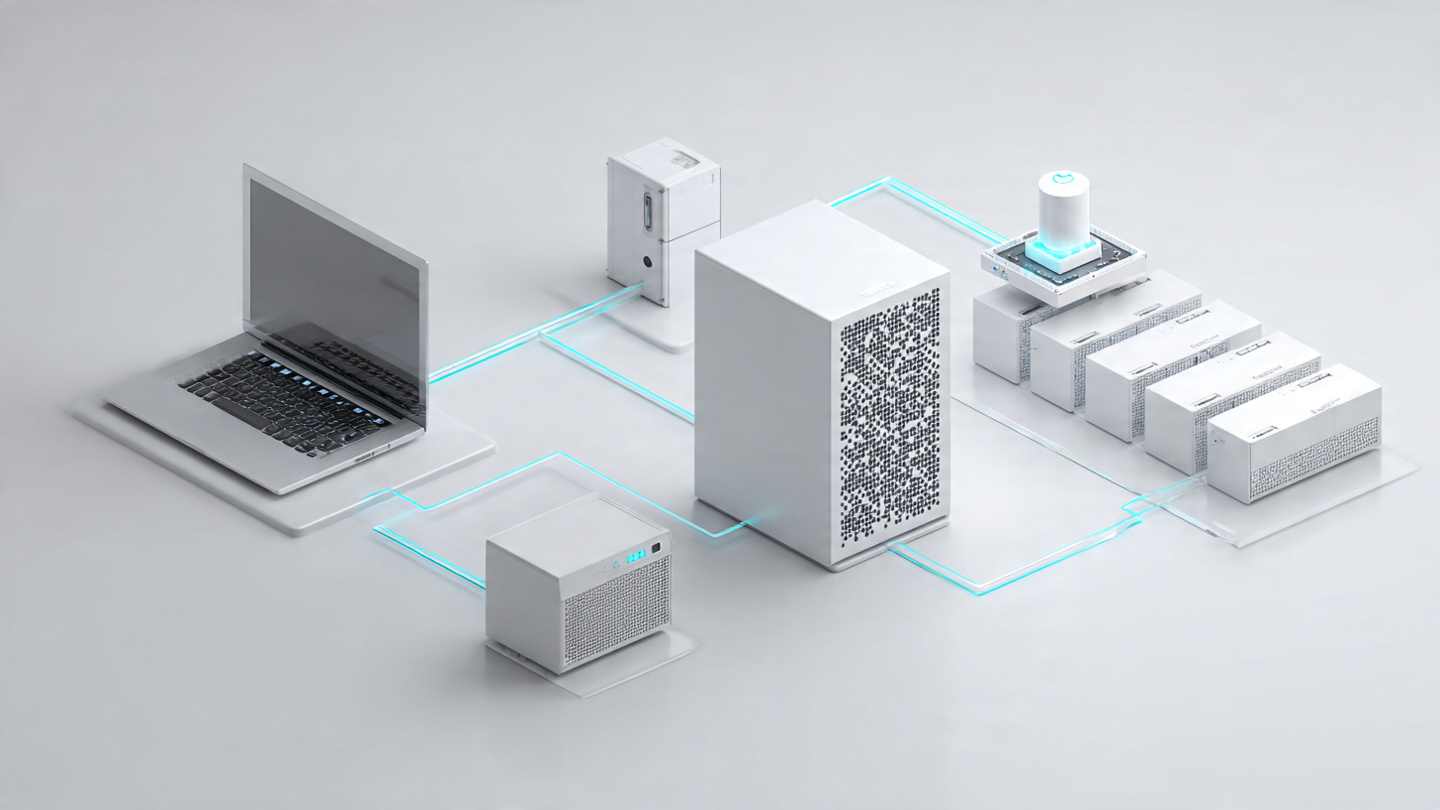
Think of the postal system. For a letter to reach you, it needs your street address, city, and zip code. An IP address works the same way but for data. When you send a request—say, opening YouTube—your device stamps that request with its IP address (the “return address”), then sends it off through a chain of routers. Each router looks at the destination IP address stamped on the data and forwards it a little closer to its target, just like a postal carrier scanning the zip code on an envelope.
IP stands for “Internet Protocol.” It’s the rulebook that governs how data is formatted, addressed, and sent across networks.
How Data Travels the Internet (Your Daily Digital Commute)
Here’s where things get interesting. When you click a link, huge chunks of information don’t travel in one piece. Instead, they are broken into tiny packets (imagine a letter torn into hundreds of confetti pieces). Each packet contains:
- The source IP address (where it came from).
- The destination IP address (where it’s going).
- A sequence number so the data can be reassembled in the right order.
These packets travel independently, often by different routes, and are reassembled when they reach the destination. That’s why you can watch a streaming video seamlessly even if one or two packets take an extra hop—they just catch up later.
| Concept | Real‑World Analogy |
|---|---|
| IP Address | The complete postal address of your house(street, city, zip code) |
| Packet | A page from a book, sent separately in its own envelope |
| Router | A postal sorting facility that reads the address and forwards it |
| Port | The specific apartment or room within the house |
By the way, you can see your own device’s private IP address in seconds. On Windows, open Command Prompt and type ipconfig. On a Mac or Linux, use ifconfig. For your public IP address—the one the outside world sees—just Google “what is my IP address.”
IPv4 vs. IPv6: Why Your Router Speaks Two Languages
For most of the internet’s history, the standard has been IPv4—a 32‑bit system that provides about 4.3 billion unique addresses. For a world where desktop computers were the only connected devices, that seemed more than enough.
But then came smartphones, smart TVs, smart watches, smart lightbulbs, smart refrigerators… you get the idea. By the early 2010s, the internet had effectively run out of new IPv4 addresses. The solution is IPv6, a 128‑bit system that supports roughly 340 undecillion addresses. To put that number in perspective: IPv6 is large enough to assign a unique IP address to every atom on the surface of the Earth—and still have plenty left over.
Major differences between IPv4 and IPv6:
| Feature | IPv4 | IPv6 |
|---|---|---|
| Address size | 32‑bit(e.g., 192.168.1.1) | 128‑bit(e.g., 2001:0db8:85a3::8a2e:0370:7334) |
| Number of addresses | ~4.3 billion | ~340 undecillion |
| Header format | Variable length(20–60 bytes) | Fixed length(40 bytes) |
| Security | Optional(IPSec not required) | Built‑in with mandatory IPSec support |
| Assignment | Manual or DHCP | Stateless autoconfiguration or DHCPv6 |
These differences are not just theoretical. IPv6’s fixed header length reduces the processing load on routers, which makes high‑traffic networks faster and more efficient. And because IPv6 eliminates the need for Network Address Translation (NAT) —a kludge that allowed multiple devices to share a single IPv4 address—it restores true end‑to‑end connectivity on the internet.
IPv6 adoption is already here. By early 2025, global IPv6 deployment had surpassed 45%, and it continues to grow at a rate of several percentage points per year. More than half of all internet users in Asia are now on IPv6, and major content providers like Google, Facebook, and Netflix are fully dual‑stack (supporting both IPv4 and IPv6). If you’re reading this on a modern smartphone or laptop, chances are you’ve already used IPv6 today without even knowing it.

The Hidden Layers: Static vs. Dynamic IPs and Network Address Translation
If everyone’s IP address were permanently fixed, we’d run out of usable addresses in a matter of hours. That’s why most home networks use dynamic IP addresses, automatically assigned by a Dynamic Host Configuration Protocol (DHCP) server—typically your router.
Here’s how it works: When your phone joins the Wi‑Fi, it broadcasts a “Hey, I need an address!” request. Your router’s DHCP server grabs an available IP from a pool of addresses, “leases” it to your phone, and remembers that this IP now belongs to that MAC address. When you leave home, the lease expires and the IP returns to the pool for someone else to use.
When static IPs still matter: Servers, printers, and security cameras often need static (fixed) IP addresses so they can always be found at the same address. Your web hosting provider gives your website a static IP, ensuring that visitors from anywhere in the world can find it reliably.
Meanwhile, your home router also runs Network Address Translation (NAT) , a clever piece of software that lets every device on your home network share a single public IP address (the one your ISP gives you). From the outside, all your traffic appears to come from that one public IP. The router keeps track of which internal device requested what, so when the reply comes back, it knows exactly where to forward the data. This is why you can have 20 devices—phones, laptops, game consoles—all online at once, but the outside world sees only one IP address.

How Much Can Someone Really Learn from Your IP Address?
This is where many blog posts get overly dramatic. The truth is more nuanced.
What your IP address can reveal:
- Your approximate geographic location (usually the city or region, not your street address)
- Your internet service provider (Comcast, BT, Deutsche Telekom, etc.)
- Whether you are using a VPN or proxy (the IP address will belong to the VPN provider, not your home)
What your IP address cannot do:
- Hack your computer all by itself
- Reveal your name, street address, or specific identity (advertisers and websites need additional tracking methods like cookies for that)
That said, an exposed IP address is not entirely harmless. Malicious actors can use it as a starting point:
- DDoS attacks: Flooding your connection with traffic to knock you offline
- Targeted hacking: Scanning your network for vulnerable open ports or weak passwords
- Fingerprinting: Combining your IP with browser data to build a persistent tracking profile across websites
Do you need to hide your IP address? For most casual browsing—reading news, checking email, watching YouTube—your IP being visible to websites is a non‑issue. It’s simply how the internet was designed to work. However, if you’re on public Wi‑Fi (coffee shops, airports, hotels) or want to bypass geographic restrictions (e.g., streaming a show only available in another country), a VPN (Virtual Private Network) routes your traffic through an encrypted tunnel and masks your real IP address from the sites you visit.
One more nuance: Cybersecurity experts warn that if a criminal compromises your device, they can use your IP address to mask their own illegal activities, making it appear as though the traffic originated from you. This is one reason why basic security hygiene—keeping your router’s firmware updated, using strong passwords, and never clicking suspicious links—matters far more than whether someone knows your IP address.
The Future: An Internet of Everything
As the Internet of Things (IoT) expands—smart fridges, home assistants, fitness wearables, even smart toasters—the need for an almost infinite address space becomes critical. IPv6 doesn’t just solve the address shortage; it unlocks new possibilities that were never practical under IPv4.
Imagine a future where every sensor in a farm field has its own globally routable IPv6 address, reporting soil moisture and nutrient levels directly without going through an address‑sharing middleman. Or a smart city where traffic lights talk to each other using native IPv6 connections, optimizing flow in real time. Those scenarios are already being deployed in early‑adopter cities across Asia and Europe.
Some analysts predict that the global IPv6 market will more than quadruple by 2030, growing from approximately 6.8billionin2025toover27 billion. The transition is already well underway, even if most casual users never notice the difference.
Quick FAQ: Your Burning IP Questions, Answered
Q: Can two devices have the same IP address?
No—not on the same network. Every device on a local network needs a unique IP address to avoid confusion. However, devices on different networks (e.g., your home network and your neighbor’s) can share the same private IP address because they are separated by routers that perform NAT.
Q: Does my IP address change when I travel?
Yes, usually. When you connect to a hotel or airport Wi‑Fi, you receive a local IP address from that network’s DHCP server. Your public IP address also changes because your traffic now exits through that location’s ISP.
Q: Is IPv6 faster than IPv4?
In many cases, yes. Because IPv6 packets have a fixed header, routers can process them more quickly. IPv6 also eliminates NAT, which reduces latency. That said, the speed difference is often small in everyday browsing—the bigger benefit is scalability and security.
Q: How do I know if I’m using IPv6 right now?
Visit test-ipv6.com. The site will instantly show whether your connection supports IPv6, and if so, what your IPv6 address is.
Your Turn: Go Check Your IP Address Right Now
An IP address is more than just a string of numbers—it’s a small miracle of engineering that allows billions of devices to talk to one another across the globe. It routes your emails, streams your shows, and lets you video‑call a friend on the other side of the planet as if they were in the next room.
Now that you know what is an IP address and how it works, why not put that knowledge to use? Take 30 seconds right now and find your own IP address:
- On your phone: Open your Wi‑Fi settings, tap the network you’re connected to, and look for “IP address.”
- On your computer: Open a terminal or command prompt and type
ipconfig(Windows) orifconfig(Mac/Linux).
Need to hide or change your IP? If you frequently use public Wi‑Fi or want to access content from other regions, consider trying a trusted VPN service—many offer free trials or money‑back guarantees.
Have you ever been surprised by what your IP address reveals about your location? Or do you have a lingering question about IPv6, static addresses, or how your home router works? Drop a comment below—I read every one and will do my best to answer.
And if you found this post useful, share it with a friend who still thinks the internet lives in a “cloud.” ☁ They deserve to know how the magic actually works.
Read more – Geekafterdark
DNS Issue – dns-issue-causing-apps-not-loading-fix-2026